Extracting respondent emails in Zapier
MetaSurvey sends response data (like question types and answers) as arrays. To use a respondent's email in later steps like "Create Contact" or "Send Email," you need to extract it using a small script in Zapier.
Step-by-Step Setup
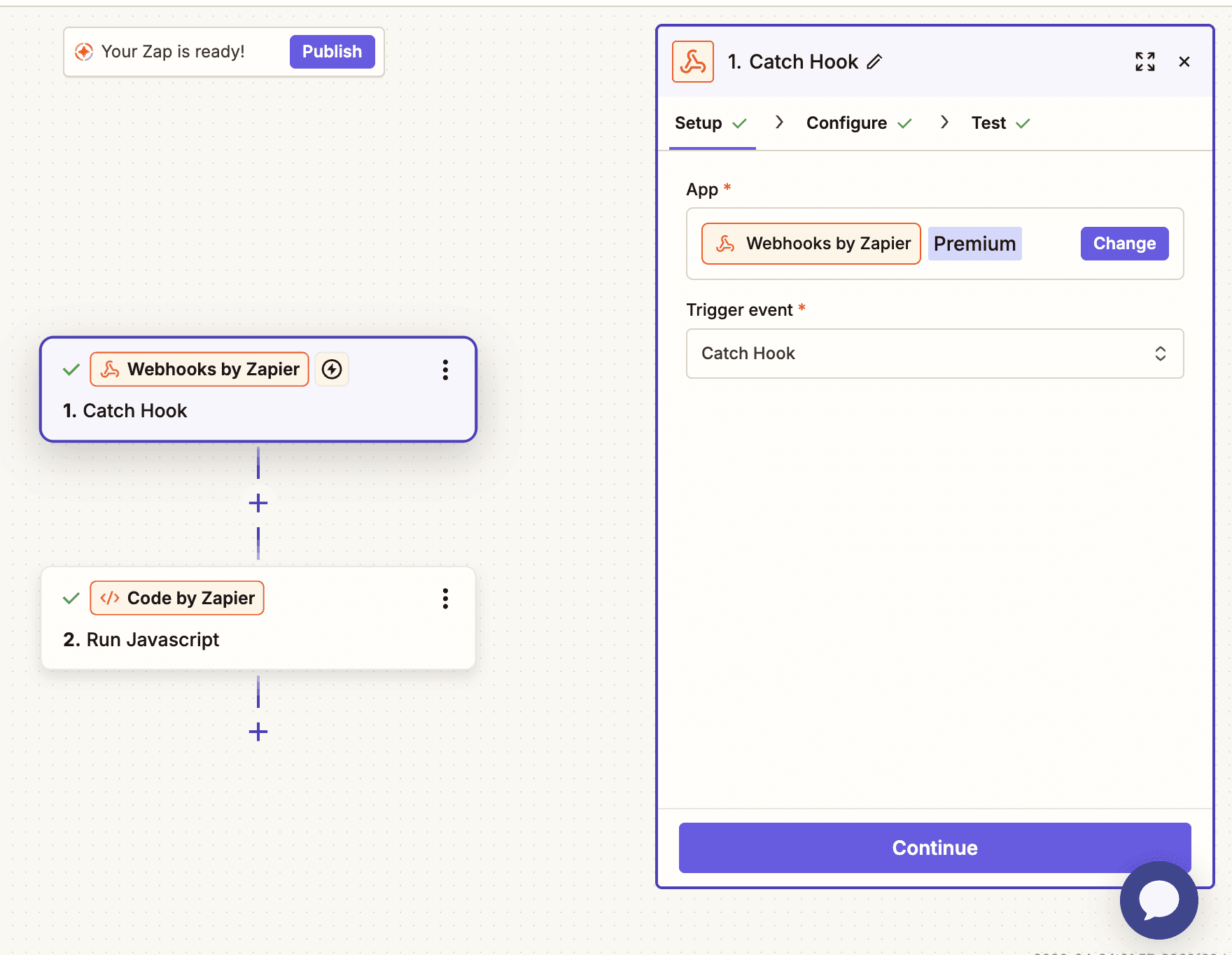
Select Webhooks by Zapier as your trigger and choose Catch Hook. Copy your unique Webhook URL and paste it into your MetaSurvey settings. Send a test response to ensure Zapier receives your data.
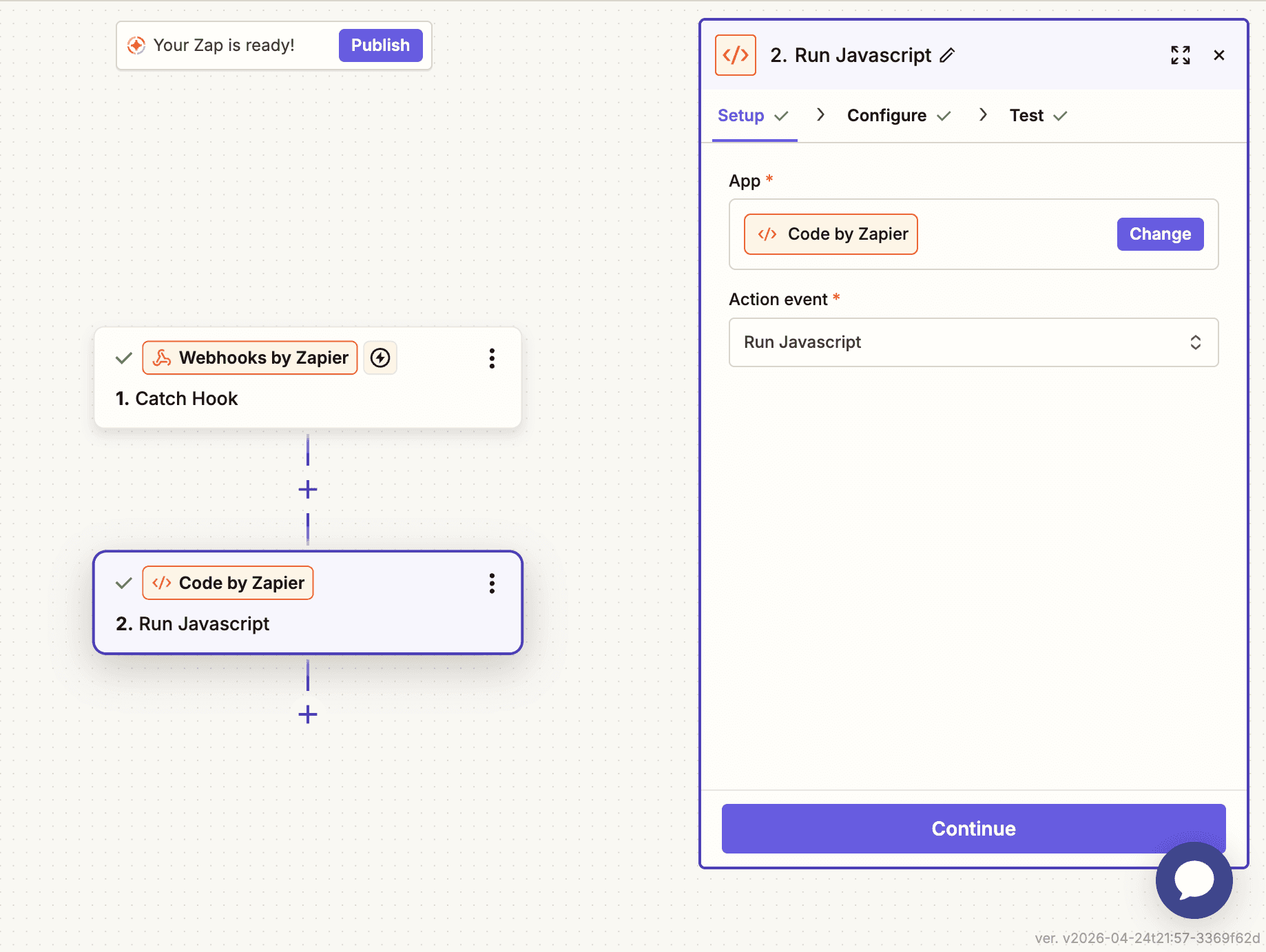
Add a new step and select Code by Zapier. Set the Action Event to Run JavaScript.
In the Input Data section, you must create two specific keys and map them to your webhook data:
questionTypes: Map to 1. Responses Question Typevalues: Map to 1. Responses Value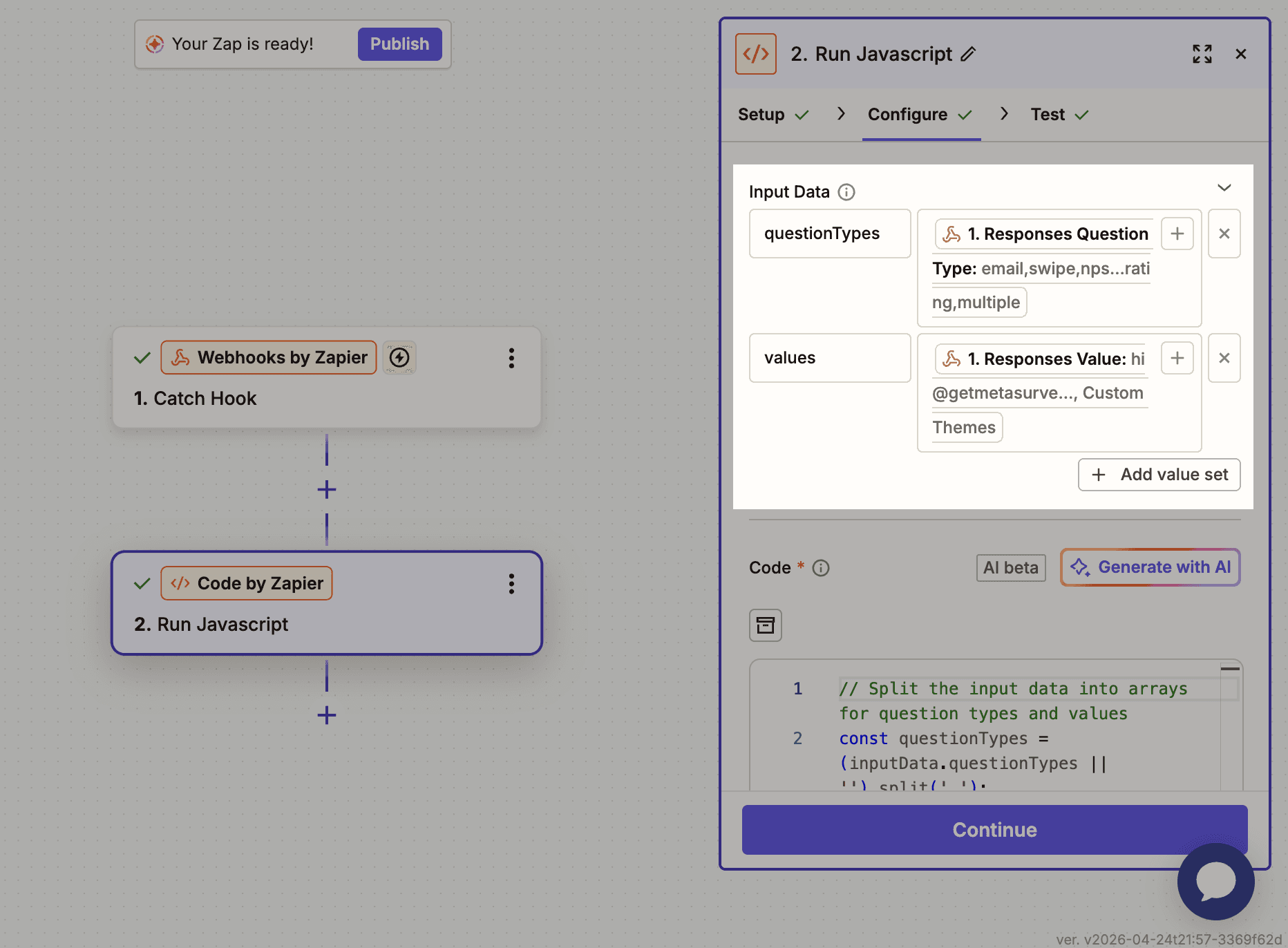
Copy and paste the following code into the Code box:
Click Test Action. Zapier will return a single email field. You can now map this field in your next steps, such as adding a lead to HubSpot, Brevo, or sending a personal "Thank You" email.
