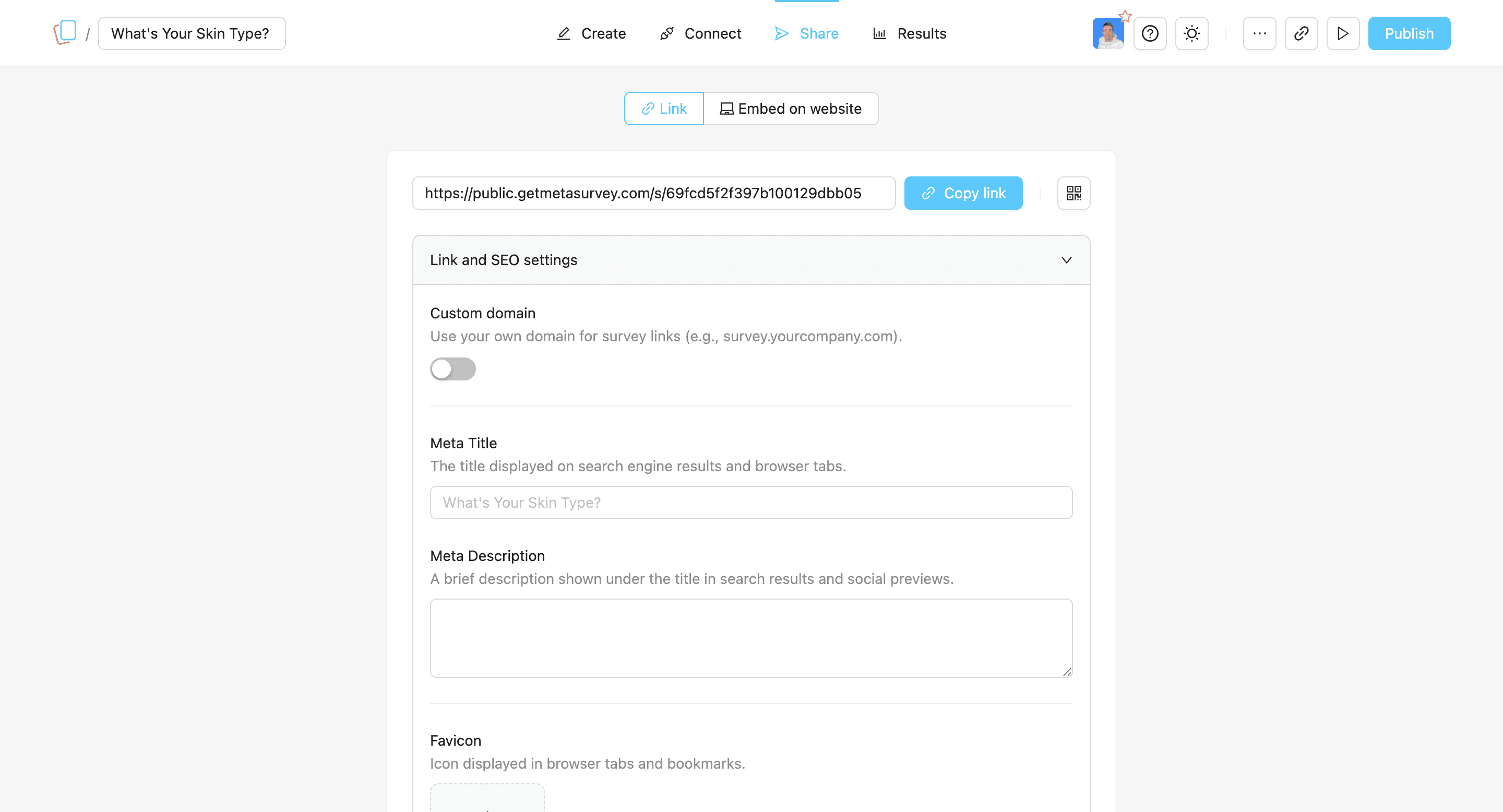
Link & SEO Settings
These settings control how your survey appears when shared online. Proper optimization makes your links look professional, increases trust, and improves click-through rates on social media and search engines.
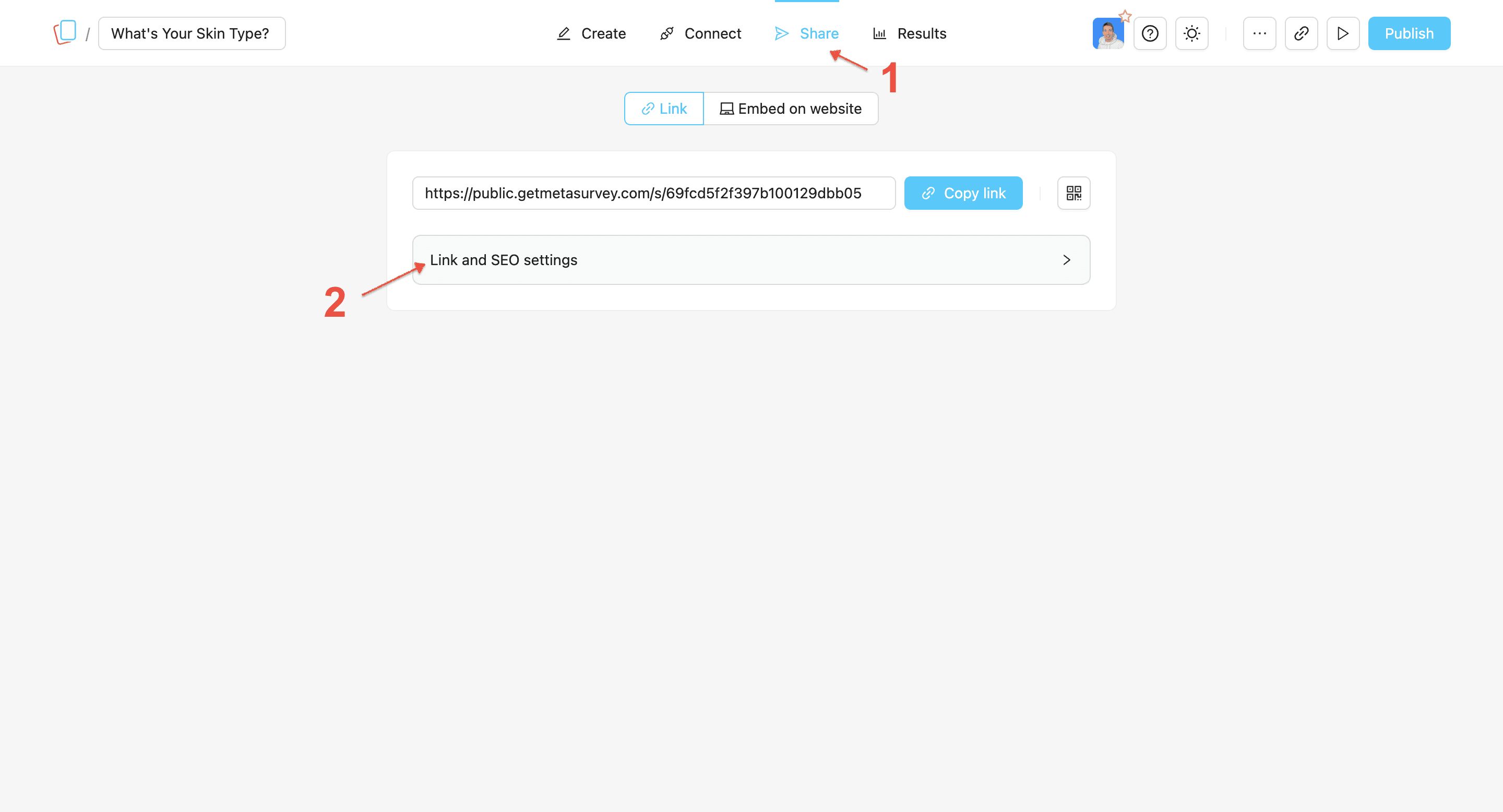
How to find Link & SEO Settings
Open your survey.
Click the Share menu.
Expand Link and SEO settings.
Settings Breakdown
Custom Domain: Use your own URL (e.g.,
survey.company.com) to build trust.Meta Title: The page headline in search/tabs. Helps users identify the page.
Meta Description: The summary text in search results. The "hook" to get clicks.
Favicon: The tab icon. Makes the survey feel like an official part of your brand.
Social Preview: The visual shown on social media/Slack. Grabs attention in feeds.